GolfBays

GOLF BAYS BLOGS

Product deep-dives, enclosure & simulator advice, and much more…

WEERGEVEN VAN 1 TOT 9 VAN 77 RECORDS

New for 2026 at GolfBays: The Latest Launch Monitors Worth Your Attention

April 14, 2026

By Malek Murison

New for 2026 at GolfBays: The Latest Launch Monitors Worth Your Attention

If you’ve taken a peek into the world of golf simulators lately, you’ll know the experience can unravel fairly quickly. One minute you’re comparing Garmin with SkyTrak. The next, you’re thirteen tabs deep exploring spin axis, launch angle, software subscriptions and whether your garage can double as a performance studio. But big news! 2026 has so far delivered a couple of launch monitors that suggest the market is getting better at separating simple practice tools from more advanced simulator systems, which is great for anyone who wants useful feedback without needing a degree in ball flight. In this guide, we are looking at the newest launch monitors launched in 2026 and now available at GolfBays, breaking down what each one does well, where it fits, and who it’s really for. A New Entry-Level Launch Monitor: The Shot Scope LM1 The Shot Scope LM1 is a great addition to our range of entry-level launch monitors this year. It’s a compact Doppler radar unit built around five core metrics: clubhead speed, ball speed, smash factor, carry distance and total distance. That data appears on a 3.5-inch colour display, with simple button navigation, Bluetooth syncing, speed training mode, and no subscription required to review session history in the Shot Scope app.  It’s designed for indoor and outdoor use thanks to its IPX3 rating, and runs for around five hours on a full charge. What makes the LM1 especially appealing is that it does not try to dress itself up as something it isn’t. For a great price, it gives you feedback that actually helps you practise with intent: how fast you are swinging, how efficiently you are striking it, and whether your carry numbers are where you think they are. With the built-in screen, you can see your data there and then, without constantly reaching for a phone or tablet between shots, which makes practice feel more like practice (and less like admin.) From a setup point of view, the Shot Scope is pretty low-fuss. Position it 1.4 metres behind the ball and swing away. The whole package is built around portability and ease of use, which suits players who want a bit of flexibility between range sessions, garden nets, and more.  This is not the launch monitor you buy for deep spin analysis, club delivery detail or simulation-heavy use. It’s a streamlined practice tool, with straightforward speed and distance feedback, quick setup, and enough consistency to make club comparisons, distance checks and structured practice sessions genuinely useful.  A New Middle Ground Contender: The Square Golf Omni The Square Golf Omni is one of the more interesting 2026 releases because it takes camera-based ball tracking into a price bracket that usually comes with more compromise. Square positions it as an indoor and outdoor launch monitor, and the core spec explains why it stands out: four-camera infrared tracking, a built-in display with key ball and club metrics, a larger hitting area, and no need for marked balls.  This new launch monitor is clearly aimed at golfers who want more than entry-level feedback without leaping straight into premium launch monitor pricing. The Omni is trying to solve a very practical problem. A lot of golfers want one monitor that can handle a home sim setup during the week and range sessions or outdoor practice when the weather behaves itself. Square has built the Omni with that in mind. It is designed to be set up on a flat surface opposite the ball, used indoors or outdoors, and connected via Bluetooth to Square’s software when you want a fuller simulator or practice experience. The data offering is also a step up from the simpler end of the market. You can expect a full spread of ball data including ball speed, direction, launch angle, backspin, sidespin, spin rate, spin axis, apex, carry, run, total distance, landing angle and offline distance. On the club data side, it includes club path, face to target, attack angle, dynamic loft, impact horizontal, impact vertical, club speed and smash factor. In other words,  enough detail to make the Omni genuinely useful for more serious practice, distance work and ball-flight analysis. That extra club data is a big part of the Omni’s appeal. It gives you a clear picture of what happened through impact, which matters when you are trying to understand strike quality, face delivery or why one shot differs wildly from another.  The software side is well judged too. Out of the box, Square includes no subscription fee, 1,000 free golf course credits, and access to its own software across Driving Range, Closest to the Pin, Putting and Golf Course modes. It also supports third-party platforms including GSPro, E6 Connect and Awesome Golf.  The Omni’s strength is that it lands in a very usable middle ground. It gives you the indoor-friendly nature of photometric tracking, the flexibility to go outdoors, and enough club and ball data to make a proper simulator build or structured practice setup feel worthwhile. It is not trying to be the cheapest option in the room, and it is not pretending to be a tour-level fitting system either.  Think of it as a practical launch monitor for golfers who want more insight and more flexibility. Looking Ahead 2026 has not reinvented the launch monitor (yet!). What it has done is make the category easier to navigate. At one end, entry-level devices like the Shot Scope LM1 show that simple practice data can now be genuinely useful, rather than feeling like a watered-down version of something better. At the other, launches like the Square Golf Omni show how much more flexible and capable mid-range systems are becoming, especially for golfers building indoor setups. For most golfers, that matters more than a longer feature list. So, What’s On The Golf Simulator Horizon? The launch calendar for new golf simulators looks pretty quiet up ahead. The Shot Scope LM1 and the Square Golf Omni are both rolling out this spring, and beyond that, the IDRA Pro is expected sometime later this year. If recent releases are anything to go by, indoor and outdoor flexibility, quicker setup, built-in displays, and stronger software integration are the order of the day. In other words, the market is getting better at producing launch monitors that fit the way golfers really practise and play. We'll keep this post updated with any more 2026 releases! 
Golf Simulator Bundles vs Buying Piece-by-Piece: The Fastest Route to a Playable Setup

March 30, 2026

By Malek Murison

Golf Simulator Bundles vs Buying Piece-by-Piece: The Fastest Route to a Playable Setup

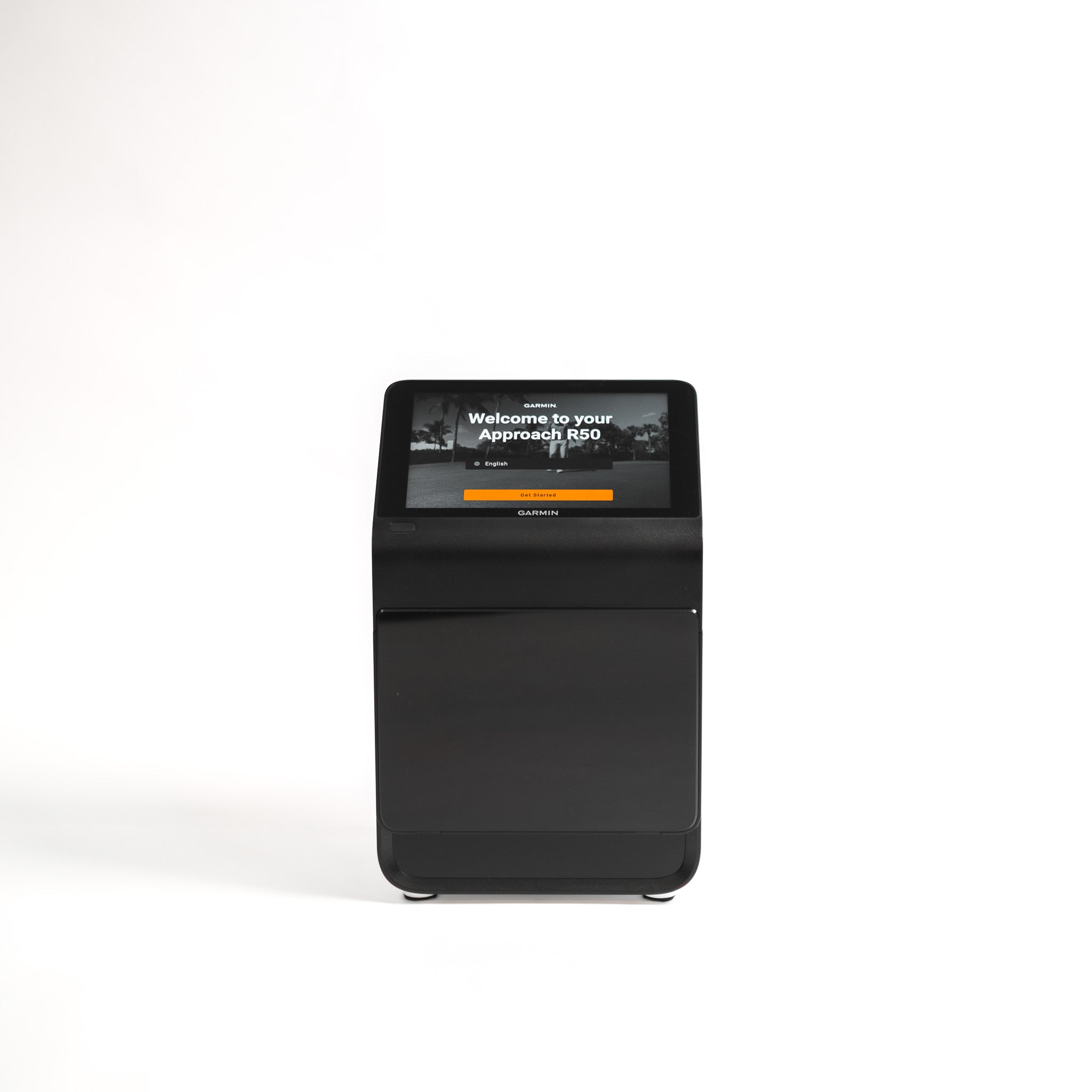
If you’ve ever looked at building a golf simulator by buying everything separately, you’ll know the feeling: you start with a launch monitor and a dream, and before you know it, you’re deep down a rabbit hole of screens, mats, projector specs, software... with a growing suspicion that you’re still missing something important. At the end of the day, a playable setup is the goal. Simulator bundles and packages exist to make your life easier.  Can’t decide between a golf simulator package and a complete DIY setup?  Bundles and packages are your best bet if you want the fastest route to a setup you can use, see your shots, and trust what you’re looking at. No working out compatibility or figuring out complex setups. Just virtual golf, at your fingertips.  Piece-by-piece can work if you already own key components, you know exactly what fits your space, or you’re happy spending time (and usually a little more money) getting a truly tailored setup.  The thing you want to avoid is going down the DIY rabbit hole and just ending up building a bundle… but slower. Here are a few quick shortcuts to get you started:  > Explore all of our simulator bundles and packages here> Shop our Lux setups here> Take a look at our affordable EasySim setups What a playable setup really means A playable simulator setup has a minimum of four layers: Ball tracking: A launch monitor that is the brains behind your virtual golf setup. Impact + safety: A screen/net, with optional enclosure/protection Feel + durability: A hitting mat or turf to add safety, comfort, and realism to your simulator rounds and practice. Display + software: Some form of projector/TV + device/software (depending on your setup), so that you can see your shots in action and enjoy immersive sessions. Bear in mind that many bundles and packages are focused on the core items you need, for example combining launch monitors with an enclosure and a hitting mat. But usually you can add extras during the process, such as a PC, a projector, and other finishing touches you may need.  Don’t get caught out thinking one bundle equals a finished sim. Always double-check what’s included first.  Bundles vs buying separately: the reality A lot of first-time simulator builds start with the same assumption: That you can buy a launch monitor, then add the rest later. That approach looks good on paper, but it's best to think of indoor golf as more of a chain. If any one link is weak, the whole setup can feel wrong. With that in mind, a bundle or package isn’t just a case of convenience. It’s the fastest way to get to a setup that is playable from day one. Why bundles are usually the fastest route to a playable setup You’re buying a complete chain, not a single headline item Most DIY builds begin with the launch monitor because it feels like the main purchase. And that’s fair enough because that’s where the bulk of your cost is likely to be.  But then reality kicks in. You still need a safe impact solution, a mat that doesn’t punish your body, a setup that actually feels like golf, and a bunch of other ncie to haves.  Golf simulator bundles are a great starting point because they span the full chain: launch monitor plus screen or net solution plus mat. That’s the difference between owning a single product and having a simulator you can use. Compatibility problems get solved before they appear Buying separately is where people get trapped in the fit/setup spiral: will this screen work with that enclosure, will the mat sit right, will the ball flight and impact point make sense, have I missed a key component?  Bundles remove most of that, because you can trust that suppliers like us have chosen core components that will work together as an indoor build. You avoid the learning tax DIY builds are rarely cheaper for first-timers. The cost is not always the item price, it’s buying the wrong thing once and then buying the right thing later. You might end up with a screen or net solution that is louder or less durable than expected. Your mat might be aggravating your wrists and elbows, or your whole setup might feel so temporary and bodged that you end up hardly using it.  You can think of golf simulator bundles as a shortcut to avoid those pesky feelings of regret! Add-ons become upgrades, not rescue purchases When you buy separately or bit by bit over time, extra components can feel like fixes or rescues, addressing something you missed the first time around. When you buy a bundle, optional extras are upgrades you choose because they improve the experience.  When buying separately can make sense Buying your golf simulator setup piece-by-piece can be the right move in some cases. For example, if:  You already own a solid screen, enclosure, or mat and don’t want duplicates You have specific space constraints and you know exactly what fits You enjoy the build process and are happy spending extra time dialling things in If your main goal is to get playing indoors quickly and avoid wasted purchases, bundles are usually the smarter route. What you can expect from GolfBays bundles Most GolfBays bundles are built around the components that make an indoor setup playable: Launch monitor Impact screen or enclosure or a net setup A hitting mat or turf That core gets you to the point where you can hit safely and get meaningful feedback. Popular Golf Simulator add-ons  Once the key parts are in place, you can upgrade based on your space and budget to include:  A projector and mount Putting turf A gaming PC to run your simulation Best-selling bundles that get you playing fast Our Overall Best Sellers  SkyTrak+ SimBox Home Golf Simulator Full PackageYou bring the swing. We’ll supply the setup. The SkyTrak+ Bundle includes four essentials that play perfectly together: a SkyTrak+ Launch Monitor, a GolfBays SimBox enclosure, our PRO+ Premium impact screen, and a GolfBays Standard Hitting Mat. SkyTrak Golf Simulator BundleSimilar package, but with the original SkyTrak launch monitor instead of the + version, alongside a standard mat, Pro+ premium screen, and a SimBox enclosure sized to suit your space.   Garmin Approach R50 SimBox Home Golf Simulator Full PackageThis package includes the Garmin R50 Launch Monitor, a GolfBays Standard Hitting Mat, our PRO + Premium Enclosure Screen, and a SimBox Enclosure.  Our Most Popular Premium Bundles ProTee VX GolfBays Lux Home Golf Simulator Full PackageThe GolfBays Lux Golf Simulator Hitting Enclosure is designed to provide the ultimate indoor golfing experience. This package combines the state-of-the-art enclosure with the ProTee VX, an insert tee mat, rubber base, plus a BenQ AH500ST projector and mount.  Foresight GC3 GolfBays Lux Home Golf Simulator Full PackageIncludes a Lux Bay Hitting Enclosure, a Foresight GC3 launch monitor, a Nylon Insert Tee Mat, and a ViewSonic LS711HD Projector with mount. FlightScope Mevo+ GolfBays Lux Home Golf SimulatorIncludes our Lux Bay Hitting Enclosure, the Flightscope Mevo Plus launch monitor, Face Impact Location for the Mevo+ Pro Package, a Nylon Insert Tee Mat, and a BenQ AH500ST Projector and mount. Affordable Golf Sim Packages If you want something that works in the garage without the financial headache of building your own mini Augusta, consider one of the packages below...  Garmin R10 EasySim Golf Simulator BundleThis budget package includes the popular Garmin R10 launch monitor, a standard mat, and our market-leading EasySim enclosure. Rapsodo MLM2PRO EasySim Golf Simulator BundleThis affordable golf simulator package includes the Rapsodo MLM2PRO launch monitor, a standard GolfBays hitting mat, and our EasySim enclosure, plus Rapsodo Callaway golf balls.  Square Golf EasySim Golf Simulator BundleThis budget package includes a Square Golf launch monitor, our EasySim enclosure, and a standard hitting mat.  Get playing! At the end of the day, the best golf simulator setup is the one that gets you playing sooner, not the one that leaves you surrounded by boxes, browser tabs, and a nagging sense that you’ve made life harder than it needed to be. If you want the quickest, smartest route to a setup that works, a simulator bundle is usually the clear winner. But if you already know your space, your spec, and exactly how you want to build it, going piece by piece can still make sense. Either way, the goal is the same: a setup that feels right, performs properly, and makes you want to step in and hit another shot. Explore all of our golf simulator packages and bundles here >
When a Purpose-Built Golf Simulator Cabin Makes Sense

March 30, 2026

By Malek Murison

When a Purpose-Built Golf Simulator Cabin Makes Sense

A purpose-built golf simulator cabin might seem like an indulgence. But the truth is, it becomes essential the moment you start to really care about consistency.  It’s not about the Instagram post on day one as you unveil your new gadgets and setup - although yes, that is part of the fun. It’s about the Tuesday evening session in February when it’s cold, dark, and you still want reliable numbers and a place to practice in peace. Reality check: you’ve probably outgrown a spare-room or garage golf setup if… You’re constantly tweaking the mat, alignment, lighting, or software because the results feel off from session to session. You practise less than you planned because setting up, packing away, or sharing the space is a hassle. Left and right-handers can’t both play comfortably, or someone always ends up swinging cautiously to avoid walls, lights, or furniture. Noise, rebound, or vibration is a recurring issue, whether that’s bothering the household or just making the space unpleasant to use. You’re spending real money on tech (launch monitor, projector, PC) but housing it in a space that’s damp, cold, dusty, or generally not built for it. The room’s multi-purpose promise is actually killing usability, because the golf setup keeps getting compromised to make it a cinema, gym, or storage area. You want a setup you’ll still love in 12 months, not one that looks impressive on day one and slowly becomes a slightly annoying project. If two or more of those hit home, a purpose-built cabin stops being indulgent and starts being the sensible option. A dedicated golf cabin is worth considering if you want… Serious year-round practice There’s a tipping point most golfers hit without realising it. You stop wanting to hit a few balls and you start wanting sessions that actually move the needle. That might look like a wedge matrix instead of banging driver for half an hour, or finally figuring out whether your miss is face-related or path-related. It might be building a consistent warm-up, running the same 30-ball test each week, or playing simulated rounds where you can’t just hit a mulligan every time you don’t like the number. That’s where a purpose-built cabin starts to make sense. Not because it’s fancier, but because it supports the kind of repeatable practice that improvement relies on. Same environment, same setup, same feel. When you’re tracking progress over months, that stability is half the battle. A cabin gives you a stable environment where you can train through winter without fighting condensation, green fees, cold hands, or a damp space that makes you rush sessions. It’s also when practice becomes frictionless: step in, switch on, hit. No dragging kit out, no moving furniture. Just play golf!  Reliable launch monitor data you can actually trust Launch monitors are only as useful as the conditions around them. A cabin helps you control the stuff that, left unchecked, quietly ruins accuracy or consistency: Lighting and glare (a common cause of misreads, especially in camera-based systems) Level flooring and secure mounting (important for repeatable alignment) Stable hitting position (tee placement, mat orientation, and stance consistency) Enough depth behind the screen to manage rebound behaviour and noise If you care about spin, face, path and strike consistency, the room becomes part of the measurement system. That’s the bit people underestimate. A comfortable space for left- and right-handed players Sharing a simulator is where most setups fall apart. Not because the tech can’t handle it, but because the room layout can’t. A cabin is the right call if you want a layout that allows: practical swing clearance on both sides sensible screen centring (so nobody feels like they’re aiming at a corner) safe, comfortable spectating without standing in the danger zone If you’ve ever watched a left-hander trying not to take a lamp shade off in a spare room, you already know why this matters. A simulator that feels good to use, not just impressive on day one A wow build can still be annoying in daily use. The cabin becomes worth it when you prioritise the boring things that make you use it more: proper heating and ventilation so the space isn’t either freezing or stuffy acoustic treatment so every impact doesn’t echo through the garden (or the house) clean cable management and kit placement so it stays tidy and durable lighting designed for play, not just ambience If the space feels calm, comfortable, and purpose-built, you’ll practice more. If it feels like a compromised hobby corner, you won’t. A multi-purpose studio that works as a golf space first Most people say they want golf + cinema + games room. In practice, the priorities clash unless the room is designed properly. In reality, a cabin keeps golf from taking over the rest of the house. A lot of home simulator setups don’t fail because the tech is bad. They fail because the rest of the household gets fed up. It starts innocently. A mat in the corner. A net that’s supposed to be temporary. A few balls under the sofa. Then the projector comes out, the cables multiply, and suddenly the spare room is a permanent half-gym, half-office, half-driving range that nobody really likes using. A cabin draws a clean line. Golf lives there. Your home stays a home. And there’s a practical upside beyond domestic peace. When your kit lives in a dedicated space, it stays set up properly. It stays cleaner. It lasts longer. And you’re far more likely to use it, because you don’t need to turn the living room into a studio every time you want to work on your swing. A cabin makes sense when you want multi-use without sacrificing golf functionality. You get:  A golf-first layout (screen placement, hitting zone, clearance) Entertainment as a bonus, not the main design driver Seating and social space that doesn’t interfere with swing safety or tracking That’s how you end up with a space you actually use for golf, rather than a room that occasionally hosts a novelty round. More golf and less wasted time A simulator cabin isn’t just a spend, it’s a trade. You’re trading money for a reduction in golfing friction. If you’re losing sessions to weather, to the dread of having to set up all your virtual gear, to moving furniture, to negotiating space, to the garage being too cold or too cluttered… then your practice becomes sporadic. And sporadic practice is the sneaky killer, because it feels like you’re doing the work, but the gaps between sessions mean you’re constantly re-finding your swing instead of improving it. This is why the cabin route often makes sense for time-poor golfers. When you can walk in, switch on, and hit within two minutes, practice survives real life. It stops being something you plan to do, and becomes something you actually do. Golf cabin, garage conversion, or spare room? If you’re weighing up options, here’s a simple way to think about it. A spare room setup can work well if your goal is casual use, shorter clubs, and a neat solution that blends into the house. It’s the easiest route, but it’s also the one most likely to come with compromises around space. A garage can be a great middle ground if you can commit the space, keep it clear, and make it comfortable enough to use year-round. When garages work, they work brilliantly. When they don’t, it’s usually because they turn into storage again and practice starts slipping. A purpose-built cabin makes the most sense when you want golf to have its own home, with fewer compromises and fewer reasons not to play. It’s the option that’s most likely to remain a joy to use in a year’s time, not just an impressive project you set up once and slowly stop bothering with. If you’re reading this and thinking, “I could probably make the spare room work”, you might be right. But if you’re constantly having to make it work, you already have your answer. Explore our Golf Simulator Cabins by GolfBays service to see what’s possible in your garden >
How to Plan a Golf Simulator Cabin: Size, Height, Cost and Common Mistakes

March 30, 2026

By Malek Murison

How to Plan a Golf Simulator Cabin: Size, Height, Cost and Common Mistakes

Planning a golf simulator cabin is a very different proposition from buying a mat, a launch monitor, and squeezing them into your spare room. That’s because a golf simulator cabin is the foundation for your dream setup. There should be room for everything except compromises.  With many years’ experience providing golf tech to our customers, we’ve found that most of the problems home golfers experience - misreads, awkward or restricted swings, inconsistent ball data, etc. - aren’t caused by the launch monitor or the software. They’re caused by rooms that were never designed for golf in the first place. That’s because a golf sim cabin, garden golf studio or bespoke golf shed only works if the fundamentals are right: space, ceiling height, layout, lighting, and how the technology fits into the room as a whole. Get those wrong, and even the best equipment in the world will feel compromised. This guide is designed to help you avoid all of that. We’ll walk through the decisions that actually matter when planning a golf simulator cabin and the common mistakes that we see.  Why Golf Simulator Cabins are so popular For golfers, the appeal of a fully custom setup is obvious: You get to practise on your terms, play a full round whenever you like, and keep your game progressing without relying on daylight, weather, or (often expensive) tee times. A golf cabin turns practice into something you can take seriously and look forward to. But the jump from home simulator to a purpose-built golf cabin is a big one. It’s not just about choosing the right technology. It’s about creating a dedicated space that allows you to swing freely, capture reliable data, and love every minute. Most of all, it’s an altogether more permanent decision that needs to be carefully considered. If you’re thinking about building a dedicated space for your golf sim, the Golf Simulator Cabins by GolfBays service handles the entire process from design through to final calibration. Get started here > How are Golf Simulator Cabins Different from Garden Rooms? This is a question we get all the time, and the answer is simple. A standard garden room is designed for people to sit in, maybe for storage too.  A simulator cabin is designed for people to swing golf clubs at full speed, launch a ball into an impact screen, and collect accurate data with whatever monitor and simulator system you’ve chosen. These obvious differences affect everything when planning your space, including:  Ceiling height and roof structure Internal width and hitting position Depth (between ball, screen and projector) Lighting placement and glare control Ventilation and condensation management Power outlet positioning If you treat a golf simulator room like a generic garden room, you’ll end up with something that just isn’t fit for purpose. It might technically work but it’ll never feel quite right. How Much Space Do You Really Need for a Golf Simulator Cabin? This is the most common question we get, and also the one where vague advice causes the most problems. So let’s get specific.  A realistic starting point: Internal dimensions  For most golfers, a comfortable, future-proof simulator cabin starts at: Width: 4.0m Depth: 5.5-6.0m Height: 2.7-3.0m That combination gives you:  Space for a natural driver swing A centred hitting position (important for left- and right-handed players) Correct ball-to-screen distance A workable projector throw without awkward mounting Sure, you can build it smaller. But if you skimp on these dimensions, layout precision becomes critical and some launch monitor options may be ruled out. Internal link: Our GolfBays cabin designs are adapted to your garden and budget. Ceiling Height Explained (And Why This Catches People Out) Ceiling height is the single most underestimated factor in home golf simulators. What works in practice 3m internal height is the sweet spot for most home simulators 2.8m internal can work, but it becomes swing-dependent, especially with the driver. Anything below that, and many players subconsciously alter their swing to avoid the ceiling - which defeats the whole purpose of having a virtual practice and play setup.  Why internal height matters more than external Roof structure, insulation, flooring build-up and other finishes can easily steal 20-30cm if they’re not planned properly. The result is a cabin that looks tall enough on paper but feels tight in reality. Height also becomes more complicated near garden boundaries, where permitted development rules often cap external dimensions. This is where early design decisions matter, and where retrofitting becomes expensive. All the more reason to get it right at the planning stage!  Radar vs Camera Launch Monitors: Why Space Matters Choosing a launch monitor for your golf cabin isn’t just about brand or budget. It’s about whether your space can support the technology properly. Different sims require different dimensions based on the underlying tech: radar or photometric.   Radar-based systems Track ball flight from behind the golfer Typically need more depth as a result Can struggle with accuracy in shorter cabins unless the layout is optimised Camera / photometric systems Work well in more compact spaces Are less dependent on long ball flight Are more sensitive to lighting quality and alignment The mistake many people make is buying simulator hardware first, then trying to force the room to fit around it. Instead, a more holistic approach to gear and cabin is the way to go. The Golf Simulator Cabins by GolfBays service designs the room and simulator as one system, so everything works together from day one. Get started here > How Far Should You Stand from the Impact Screen? As a rule of thumb, most setups perform best when the hitting position is at least 2.5m from the impact screen. This distance: Improves safety Reduces bounceback risk Produces more realistic ball flight and feel Equally important is what sits behind the screen. Leaving at least 30cm between the impact screen and the back wall allows the screen to absorb impact properly and protects the structure behind it. These are small details, but they make a big difference over thousands of shots. Do You Need Planning Permission for a Golf Simulator Cabin in the UK? In many cases, no. Most golf simulator cabins can be built under permitted development, provided they meet standard outbuilding rules. Typical constraints include: Single-storey construction Height limits (which vary by roof type and proximity to boundaries) No more than 50% garden coverage Not positioned forward of the main house The main pressure point for golf cabins is height, particularly if the building sits close to a boundary or within a conservation area. A well-designed cabin can often stay within permitted development while still delivering usable internal height, but it needs to be thought through early. How Much Does a Golf Simulator Cabin Cost in the UK? Golf cabin costs vary widely depending on scope, but it helps to separate two things to give you a clearer idea. First… Simulator equipment Entry-level setups can start around £2,000 Premium systems with high-end launch monitors, projectors and PCs can exceed £40,000 Your choice of system alone will go a long way toward determining the price of your total build.  The cabin itself Cost is driven by: Size and height Insulation and acoustic treatment Exterior cladding and glazing Ground conditions and access Electrical and data requirements The important thing to know: A well-designed cabin often saves money long-term by avoiding retrofits, upgrades and compromises later. To get accurate pricing for your space, start with the GolfBays Golf Simulator Cabin design process > Common Mistakes People Make When Planning a Golf Simulator Cabin We’ve been doing this for a while, and here are some of the things that come up again and again: Building too smallA cabin that just about fits often feels restrictive in use. Underestimating ceiling heightEspecially once roof and floor build-up are factored in. A few cms here and there makes all the difference! Choosing the simulator before the roomThis limits layout options and can reduce accuracy, leading to a very unsatisfied golfer. Ignoring ventilation and condensationMoisture is hard on screens, projectors and electronics. These are the little details that make your golf cabin a long-term oasis rather than something that needs a retrospective fix. Treating it like a shed, not a studioGolf simulators are technical environments, not garden storage. The good news is: All of these issues are avoidable with proper planning. When a Purpose-Built Golf Simulator Cabin Makes Sense A dedicated golf cabin is worth considering if you want: Serious year-round practice Reliable launch monitor data Comfortable space for left- and right-handed players A simulator that feels good to use, not just impressive on day one A multi-purpose studio that works as golf space first, entertainment space second If that sounds like what you’re planning, explore our Golf Simulator Cabins by GolfBays service to see what’s possible in your garden. Planning First Makes Everything Better The best golf simulator cabins aren’t defined by brand names or spec sheets. They’re defined by a space that’s designed properly, accounting for the swing, the technology, and the way you actually want to use it. Get the room right, and everything else falls into place. If you’re ready to move from ideas to a workable plan, and build the cabin around the golf - start with a proper design conversation today > 
Radar vs Photometric Launch Monitors: Which Works Best Indoors?

March 30, 2026

By Malek Murison

Radar vs Photometric Launch Monitors: Which Works Best Indoors?

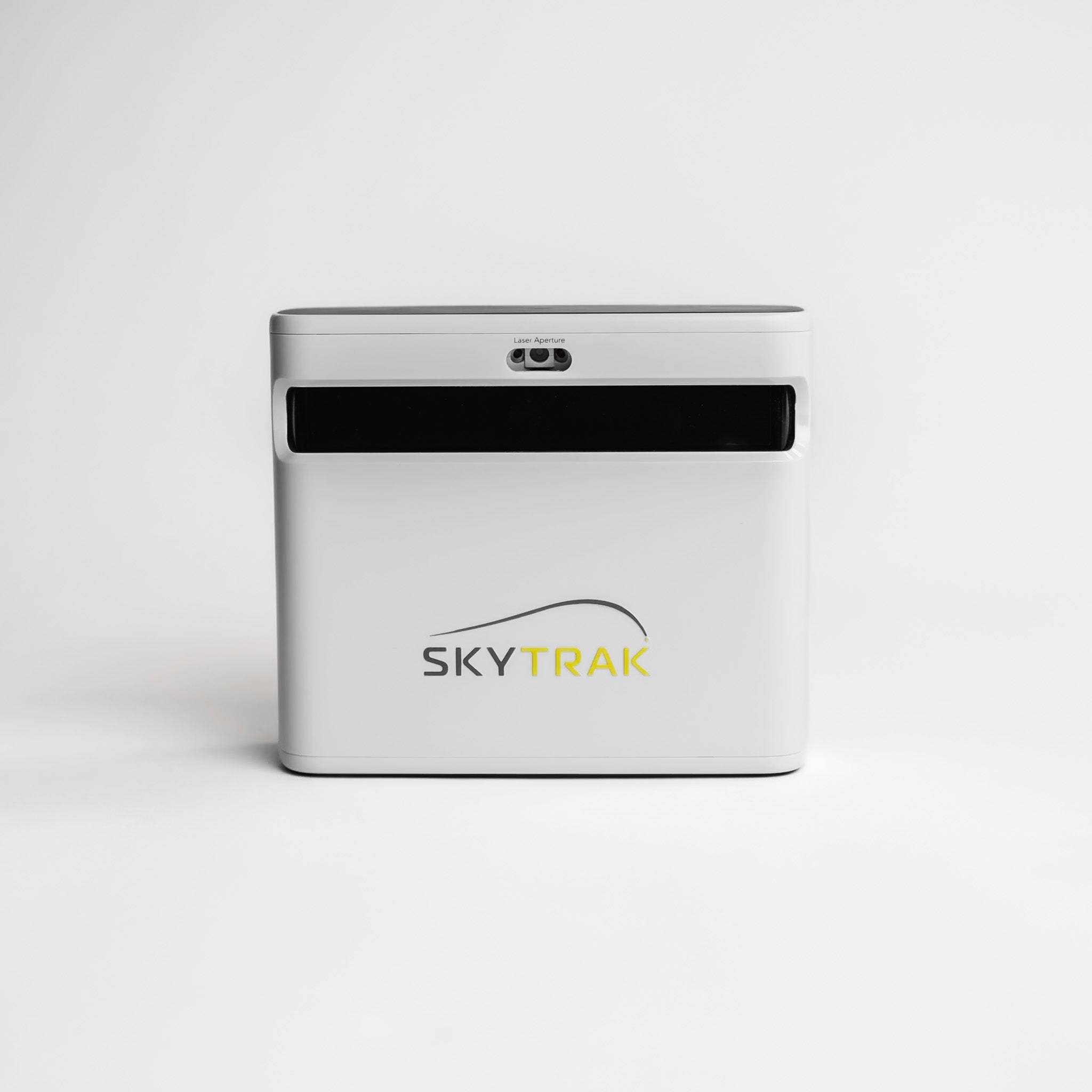
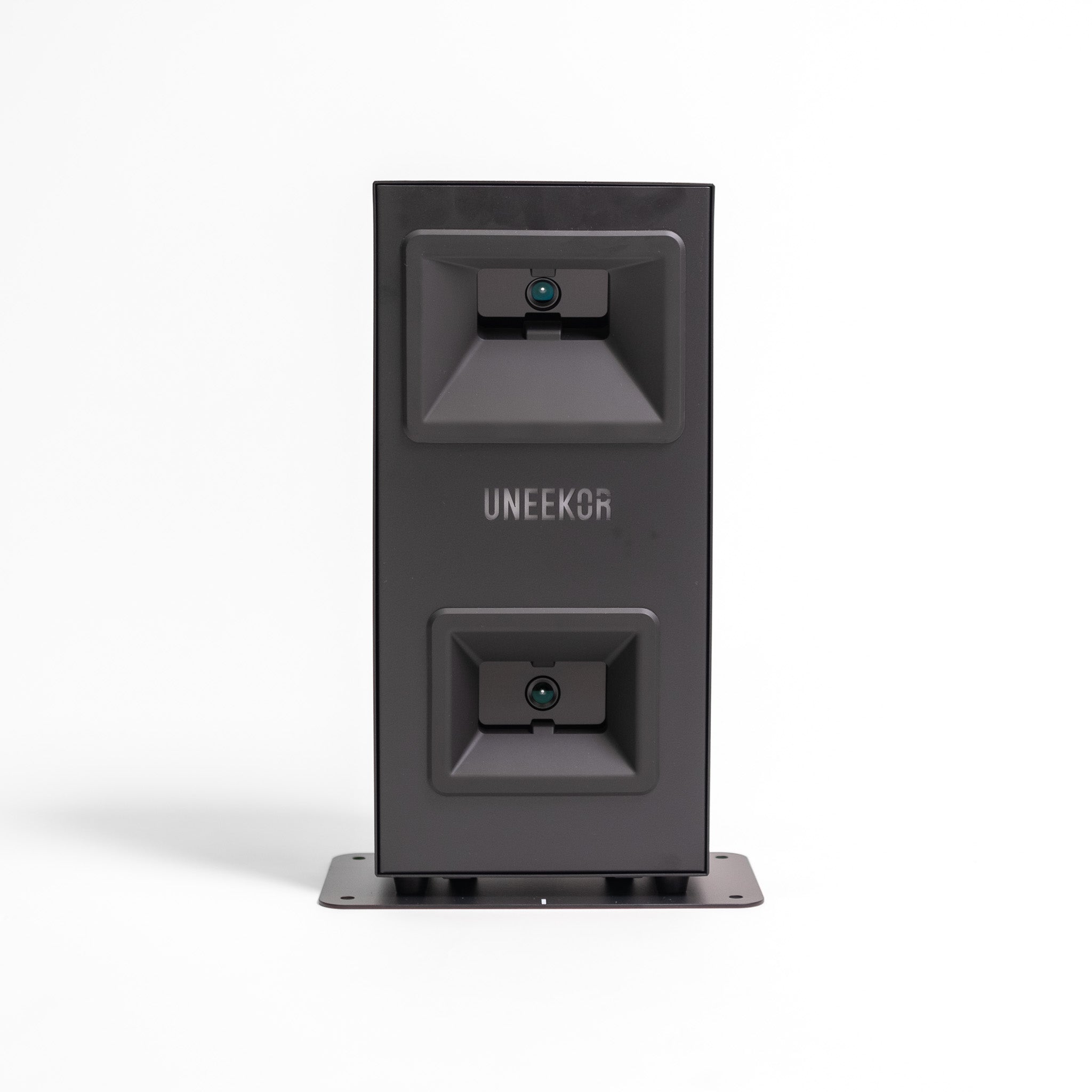
If you’re building an indoor golf setup, a standard piece of advice you’ll hear is that radar launch monitors are best for outdoors and photometric launch monitors are best for indoors. Sure, there’s some truth in that. But there’s also a whole lot of missing context. Because in reality, the best indoor setup isn’t just about choosing the best technology. It’s about choosing what matches your space, your tolerance for setup faff, and how much you care about things like spin accuracy, short game practice, and lefty/righty convenience. In this guide, we break that down with real-world indoor constraints in mind. A Quick Verdict For Indoor Golfers Choose Radar if… You want something portable you can use indoors and outdoors You’ve got enough depth for a decent amount of ball flight You’re willing to use RCT balls / metallic dots / patterned balls when needed for better indoor spin capture Choose Photometric (camera-based) if… Your space is tight and you want reliable readings without needing loads of depth for ball flight You mainly care about indoor practice and sim play You want readings to be consistent without regularly tweaking the setup Choose a Ceiling-Mounted Setup if… You’ve got mixed-handed players (or multiple users) and you don’t like the idea of moving kit around while playing You want a clean floor area and a built-in feel You want minimal interruption between shots What Does Radar vs Photometric Mean? Radar launch monitors (Doppler) Radar launch monitors use Doppler radar to track the ball by sending out radio waves and reading the signal that bounces back. From that return signal, the unit calculates key ball-flight data - stats like launch direction, speed and trajectory - as the ball travels away from the hitting area. Indoors, the trade-off is straightforward: the less ball flight you can provide, the less information the radar can capture before the ball hits the screen. That can lead to more estimation, especially on spin and shot shape, and less consistent results if your space or setup is tight. With radar, space and setup matter more. But if you get the distances and alignment right it can be excellent. Photometric launch monitors (camera-based) Photometric launch monitors use high-speed cameras to capture the ball at (and immediately after) impact. Instead of tracking the ball over several metres of flight, they analyse what the cameras see in those first few frames - the ball’s launch direction, launch angle, speed and spin behaviour - and build your virtual shot from that data. Indoors, that’s a big advantage because you don’t need loads of ball flight to get accurate readings. With a clear view of the strike and the initial launch, a photometric launch monitor can produce consistent readings even in tighter spaces. The main thing that matters with photometric systems is the quality of the view they have at impact - placement, hitting zone, and factors like lighting and glare all add up to build the perfect playing environment.  Hybrid systems (radar + camera) Some launch monitors combine radar and camera, and some depend on patterned balls to accurately measure spin indoors. For example… The SkyTrak+ combines a photometric camera with dual Doppler radar The Rapsodo MLM2PRO uses radar processing plus camera systems, and supports its own RPT ball pattern for spin capture The Flightscope Mevo+ is radar-based but can be used with metallic dots or RCT balls for more reliable indoor spin readings Indoor Space Requirements for Radar Launch Monitors  Space and ball flight  Indoors, the biggest difference between radar and camera (photometric) launch monitors is how much they depend on ball flight distance. Radar needs more runway to read the shot cleanly. Camera systems need less runway, which is why they tend to be the easier option in tighter rooms. There are two distances you need to have top of mind when building a golf simulator setup.  The space between the launch monitor and ball strike zone. This is the space behind your hitting position. The space between the ball strike zone and your screen or net. This is your ball flight distance. Recommended Indoor Distances for Radar Setups These targets work well for most radar and hybrid portable units, but check the requirements of your chosen launch monitor before moving forward.  Launch monitor → ball: 1.8–2.6 m Ball → screen/net: 2.4 m minimum, but 3.0–4.0 m is where radar becomes noticeably more consistent Safety gap behind the screen: 0.3 m (so the screen isn’t right up against a hard wall) Measurement Examples from Popular Launch Monitors  Garmin R10: The device should be 1.8–2.4m behind the ball, with the ball at least 2.4 m from the screen/net. Rapsodo MLM2PRO: The device should be 2.0–2.6 m behind the ball, with the ball at least 2.4 m from the impact screen or net.  FlightScope Mevo+: The device should be 2.1–2.7 m behind the ball, with a recommended ball flight of 4.0m, along with metallic dots / Titleist RCT for accurate spin measurements.  TrackMan 4: The ball flight minimum is around 3.0 m, with an optimal distance of 3.7 m. What Goes Wrong When Space is Tight? When a radar launch monitor doesn’t get enough ball flight, you will see: Spin and curvature that don’t match what you expect Driver numbers that jump around Wedge shots that lose consistency This is also why radar users often improve indoor results with spin-friendly balls (RCT/patterned balls) or small reflective dots. This gives the system more to lock onto. Depth limited? Camera-based or ceiling-mounted systems are usually the least hassle indoors when space is tight, because they rely less on long ball flight. Spin: Calculating or Measuring?  Indoors, some radar units struggle to directly capture spin without an assist, which is where Radar Capture Technology (RCT) balls, metallic stickers, or patterned balls enter the picture. For example:  Garmin’s R10 supports Titleist RCT balls to improve indoor spin measurement Rapsodo uses RPT balls/pattern recognition for spin rate and spin axis capture (via its Impact Vision camera) FlightScope recommends using metallic dots or RCT balls for accurate spin measurements indoors with the Mevo+ What this really means for you If you care about gapping, shot shape, and wedge control, spin consistency matters more than the headline number of metrics. If you’re happy with less accurate ball flight and care more about fun sim rounds, you can often accept a higher degree of estimation. Playing with Left & Right-Handed Players If you’ve got both right-handers and left-handers using the same bay, the best launch monitor is the one you don’t have to keep moving. This is where ceiling-mounted systems come into their own. You get right and lefty-friendly switching with ceiling-mounted convenience. If you’re sharing the sim between left and right-handed players, ease and value tend to overlap. Because a fiddly setup gets used less and a smooth one is a pleasure to play with! Lighting and Environment: Because Garages Aren’t Studios Indoor environments vary wildly, with sunlight leaks, reflective surfaces, uneven floors, and more all contributing to how well your launch monitor performs. Camera-based systems can be sensitive to lighting conditions, while radar can be sensitive to placement and interference. Radar vs Photometric Indoors: The GolfBays Comparison Factor Radar (behind-the-ball) Photometric / camera-based Ceiling-mounted launch monitors Space sensitivity Higher (needs usable ball flight) Lower (often more forgiving indoors) Lower (fixed install) Indoor spin capture Often improved with RCT/dots/patterned balls More direct camera-based capture (device dependent) Designed for consistent indoor capture; ball and club sticker requirements vary by model. Lefty/righty convenience Usually good Varies by placement Excellent Setup friction Medium (alignment, space, ball choice) Low-medium Low once installed Best for Indoor + outdoor versatility Indoor-first practice/sim Dedicated indoor bay, shared use Best-selling Indoor Launch Monitors, Split by Radar / Photometric  We won’t pretend that there’s one right answer when choosing a launch monitor. Your best pick will depend on your setup, your goals, and of course, your budget. Below are some of our best sellers.  Radar Launch Monitor Best Sellers Garmin Approach R10 Best for: budget-friendly indoor + outdoor practice, especially if you’re happy to optimise setup. Garmin also supports Titleist RCT balls to improve indoor spin capture. FlightScope Mevo+  Best for: golfers who want indoor sim + outdoor range with deeper data. FlightScope Mevo Gen 2 Best for: entry-level radar practice with space considerations similar to other radar units.  Rapsodo MLM2PRO  Best for: golfers who want portable sim play and are comfortable using the brand’s ball ecosystem for measured spin.  Photometric / camera-based launch monitor best sellers SkyTrak  Best for: indoor-first sim setups where you want straightforward use and minimal reliance on long flight.  SkyTrak+  Best for: indoor golfers who want the indoor-friendly feel of SkyTrak plus additional club data via dual Doppler radar. Shop SkyTrak Garmin Approach R50  Best for: players who want a premium, self-contained indoor sim experience with camera-based tracking. Uneekor Eye Mini Lite Best for: dedicated indoor users who want detailed capture. ProTee VX Best for: a clean, shared, dedicated sim bay. Ceiling-mounted, lefty-friendly, and no stickers. Square Golf Launch Monitor  Best for: indoor-only setups wanting camera-based measurement. Radar vs Photometric Launch Monitor FAQs Are photometric launch monitors more accurate indoors? Often, they’re more forgiving indoors because they rely less on long ball flight. But accuracy depends on the specific model, setup, and what data you care about (spin vs club delivery vs sim play). Do radar launch monitors need special balls indoors? Some radar setups improve indoor spin capture with aids such as reflective dots, and manufacturers explicitly recommend them in certain indoor scenarios. What’s best for a garage setup? If space is tight, camera-based systems are usually the least painful route. If you’ve got decent depth, radar/hybrid can be great - but it’s more sensitive to setup. What if both lefties and righties will use the sim? Ceiling-mounted systems and certain behind-the-ball setups are usually easiest because you’re not constantly moving the unit around.
Converting Your Garage into a ProTee Golf Sanctuary

March 10, 2026

By Robert Hart

Converting Your Garage into a ProTee Golf Sanctuary

Let's be honest: your garage is likely a graveyard for half-empty paint cans and a lawnmower that sees action once a fortnight. Meanwhile, your golf game is suffering because the local range is a trek and the weather is, well, unpredictable.
The Complete Guide to Golf Alignment Sticks

November 19, 2025

By Malek Murison

The Complete Guide to Golf Alignment Sticks

Considering all the swing gadgets competing for space in your bag, golf alignment sticks might still rank as the simplest, most accessible training aid. Coaches around the world use them to check aim, ball position, and swing path, and many tour players use them for drills on the range when warming up for a round. So how can something so small and low-tech have such an oversized impact?... Your New Secret Weapon: Golf Alignment Sticks A simple truth in golf is that a lot of bad shots don’t come from a disastrous swing - they come from starting in the wrong place. Aim a few yards off line, let your stance or posture slip, or set the ball in a position that doesn’t quite match the club you’re using, and suddenly your swing has to make compensations you never intended. That's where alignment sticks come in. They give you clear, honest feedback on where you’re actually pointing, how your setup looks, and whether your expectations match reality. It’s why PGA professionals and top coaches build whole sessions around a couple of bright rods on the ground. Used well, alignment sticks help you groove a repeatable setup, a more reliable swing path, and better start lines with everything from driver to putter.  At GolfBays, we stock a number of swing alignment tools. If you just want a dependable pair for everyday range work, the Tour Rodz Alignment Sticks are a classic, no-fuss option for checking aim, ball position and basic swing mechanics. If you prefer something that lives in your bag and goes everywhere with you, the Longridge Portable Tour Rod Alignment Sticks fold down small and are built for portable practice, while the PuttOut Putting Plane Alignment Stick Set gives you a compact, indoor–outdoor setup for working on putting alignment, stroke path and face control. When you’re ready to get more technical, the Swing Plate and the Swing Plate Dual Pro turn a simple pair of alignment sticks into a full practice station. With adjustable stick angles for swing plane, club path and start-line gates, they’re ideal for building repeatable movement patterns instead of just hitting ball after ball and hoping something changes. View all of our Alignment Stick products here.  Whichever route you take, the aim is the same: to make every practice session more precise, more consistent, and more productive than emptying another bucket and hoping for the best. What Are Golf Alignment Sticks? Golf alignment sticks are exactly what they sound like: slim, lightweight rods designed to give you a clear visual reference of your swing on the ground. They help you line up properly, rehearse better positions, and build a more consistent swing, without adding any extra complexity to your practice. You’ll see them all over tour ranges. Before a single ball is struck, many players lay down a couple of rods to check their aim, confirm ball position, and rehearse the path they want the club to travel on. It’s simple, repeatable, and brutally honest. If something in your setup is off, an alignment stick will make it obvious straight away. For everyday golfers, they’re one of the easiest ways to improve the fundamentals that quietly shape every shot you hit. They keep your aim square to the target, tidy up your stance and posture, and guide your swing path so you aren’t fighting the same slice or pull round after round. And the best part? They’re far more versatile than they look. One minute they’re helping you with start lines, the next they’re a makeshift putting gate, a chipping landing-zone marker, or a swing-plane rail. No batteries or screens needed, just pure feedback. Sure, a good practice session might look like you’ve pitched a tiny neon campsite on the range. But look on the bright side: two sticks, endless ways to get better. Why Alignment Matters More Than You Think Most golfers blame their swing for every bad shot. In reality, a lot of slices, hooks and mis-hits start before the club even moves. If your feet, hips, shoulders and clubface aren’t all looking at roughly the same place, you’re asking a decent swing to do a very hard job. Aim a bit right, think you’re square, then make your normal move… the ball will start miles from where you pictured it. Nudge the ball too far forward or back in your stance… suddenly strike, height and direction all change. That’s not you having a terrible swing. That’s you starting from a poor setup. Alignment sticks bring truth and clarity to your practice. Lay one along your target line and one along your feet and you can instantly see whether your set-up matches what you had in mind. Add a stick to mark ball position, or use two as a simple gate on either side of the ball, and you’ll quickly learn to spot the patterns. Do you tend to hit off the toe or the heel? Does your path naturally move a touch from in-to-out or out-to-in? Do you stay centred, or drift off the ball? Over time, that honesty builds consistency and confidence. When your setup looks the same every time, and you know you’re starting from a good place, you can swing without second-guessing yourself. That means fewer compensations and last-second panic adjustments, and more shots that come out how you intended. Otherwise, trying to hit a fairway with bad alignment is a bit like using a sat-nav that’s a few degrees off. You might set off feeling positive, but you’re almost guaranteed to end up somewhere you didn’t plan – and no, it’s not always the driver’s fault!  What are the Benefits of Using Alignment Sticks? Alignment sticks don’t look like much, but once you start using them properly, they quietly transform the way you practise. They sharpen the fundamentals for new golfers and give experienced players the precision they need to fine-tune ball flight, strike and consistency. Here are 5 benefits of including them in your training routine…  Add Accuracy to Your Aim Most golfers genuinely believe they’re aiming at the target… until a stick on the ground proves otherwise. A single line pointing at your intended spot immediately reveals whether your feet, hips and shoulders are actually set where you think they are. The guesswork disappears. Your intentions match reality, and that alone brings a level of clarity many players have never experienced. When you know you’re aimed correctly, everything that follows feels more committed and much more confident. Build a Consistent Setup One of the quieter truths in golf is that what feels like losing your swing is often your setup drifting over time. Stance creeps a touch wider, shoulders sit a little open, ball position edges forward without you noticing. Alignment sticks make all of that visible. A stick along your toes gives you a clear reference for how wide you’re standing and where you’re aimed; a line pointing at the target shows instantly whether your feet, hips and shoulders are running parallel to it. Instead of relying on feel, you build a setup that looks the same every time, and a routine that genuinely repeats. Improve Your Swing Path Few things influence ball flight more than the direction the club is travelling through impact. Place a stick just inside or outside the ball and you’ve created a simple path indicator: clip the stick and you know your club is coming too far from that side. Angle a stick slightly to match your ideal corridor and you suddenly have a visual guide for a neutral path, a soft draw or a controlled fade. It’s one of the quickest ways to turn vague swing feels into something accurate and trainable. Get Better Ball Positioning Ball position affects strike, launch and start direction, yet it drifts more than most golfers realise. Put an alignment stick across your stance, perpendicular to your target line, and you now have a reliable reference point. You can place the ball slightly forward for longer clubs, around the centre for mid-irons, and exactly where you want it for wedges or speciality shots. No more guesswork. Just a clear starting point that matches the shot you’re trying to hit. Groove Your Putting Alignment Putting is far easier when you know your ball is starting on line. Two alignment sticks become a perfect little gate: roll the ball through and you’ve nailed your start direction; hit a stick and you know the face or stroke is off. You can also lay sticks down to create a channel for your putter to follow, helping you square the face and keep your stroke tidy. It works on practice greens, putting mats, and with simulator setups.  7 Simple Drills for Your Golf Alignment Sticks The drills below are simple, widely recommended by coaches, and work whether you’re practising on the range, at home on a mat, or in a simulator bay. Each one has a clear setup and purpose. Basic Aim & Alignment Drill SetupLay one alignment stick on the ground, pointing directly at your target. Lay a second stick along your toes, parallel to the first. What it doesShows instantly whether your feet, hips and shoulders are aligned where you think they are. Many golfers trust their feel, but a simple stick on the ground tells the real story. How to use itHit 10-15 balls with the sticks down. Reset your address each time. Watch your start line and see how closely it matches your intended aim. Ball Position for Every Club SetupPlace one stick across your stance (perpendicular to the target line). Use it as a clear reference point for where the ball sits. What it doesHelps prevent ball position drifting forward or back, which is a common root cause of fat, thin and inconsistent strikes. Coaches rely on this drill to teach ball-then-turf contact and consistent setup. How to use it Longer clubs slightly forward of centre. Mid-irons around centre. Wedges slightly back or centre, depending on the shot.Hit a few balls with each club and note how the ball position affects the strike. Swing Path Drill SetupGo with one of two setups: Train-tracks: Two sticks on the ground, parallel to your target line and slightly wider than your clubhead. Path gate: One or two sticks angled just inside or outside the ball to represent the path you’re trying to build. What it doesProvides clear visual feedback on whether your swing path is coming too far from the inside, too far over the top, or closer to neutral. This is a go-to drill for working on slices and pulls. How to use itStart with slow, controlled half-swings, aiming to swing through the lane or gate without touching the sticks. Increase speed only when you can repeat it consistently. Footwork & Stance Width SetupLay a stick along your toes or slightly in front of them. What it doesHelps you maintain a consistent stance width and body alignment. Small changes in stance can affect balance, weight shift and your ability to return the club to the ball. This drill keeps your setup tight and tidy. How to use itBefore each shot, check whether your stance is the width you intended and that your feet are parallel to the target line. Adjust if needed before swinging. Putting Gate Drill SetupLay two sticks on the ground just wider than the width of your putter head. What it doesGives instant feedback on start line. If the ball clips either stick, your stroke or face angle was off. If it rolls cleanly through, you’re starting the ball on line. How to use itHit putts through the gate. Aim for 10 clean rolls in a row.  Short-Game Drill: Low-Point Control Gate Setup Lay one stick on the ground just behind the golf ball, about a clubhead’s width. Hit chip and pitch shots without striking the stick. You can also place a second stick slightly ahead of the ball to visualise where the club should bottom out. What it does Trains you to strike the ball first, then the turf. Helps ensure your weight, shaft angle, and low point are set correctly. Forces clean contact and prevents scooping or flicking at the ball. Builds the crisp, predictable strike that separates solid chippers from inconsistent ones. Hit the stick? Your low point was too far back. Miss the stick cleanly? You made proper ball-first contact. This is a simple and repeatable short-game drill, ideal for players who hit behind the ball. Body Rotation & Hip Line Control SetupThread an alignment stick through your belt loops so it sticks out on both sides. What it doesThis gives immediate visual feedback on how your hips are moving. If the stick slides dramatically or points up/down during your swing, you’re likely swaying rather than rotating, which can be a common cause of inconsistent strikes. How to use itMake slow half-swings and watch the stick. Aim for rotation rather than slide. When the movement looks stable and controlled, build up to fuller swings. This drill works best when you record yourself and review it in slow motion. Use the sticks as a guide to what the rest of your body is doing.  Golf Alignment Stick Product Overview: What's Available? Product What it is Best for Ideal drills / uses Good to know Tour Rodz Alignment Sticks 2pc – Orange Pair of full-length alignment sticks supplied with a protective tube and drill booklet. Golfers who want a simple, durable pair for everyday range and home practice. Aim and alignment, ball-position checks, swing-path gates, putting start-line gates, chipping and pitching checks. Reliable, non-collapsible, and ideal as a general-purpose alignment stick set. Longridge Portable Tour Rod Alignment Sticks Pair of alignment rods that fold into four sections and pack down into a short tube for easy storage in your golf bag. Players who want alignment sticks that travel well or prefer compact storage in the bag. All core alignment-stick drills: aim, alignment, ball position, path gates, and posture checks. Functionally similar to standard sticks, but more portable and convenient thanks to the folding design. PuttOUT Putting Plane Alignment Stick Set Putting-specific training station including alignment sticks, an adjustable putting plane and gates. Golfers who want structured putting practice with a focus on stroke path and start line. Putting arc training, start-line gates, pace-control work and stroke-path refinement. The included sticks can also be used for general alignment, but the full set is optimised for putting. The Swing Plate Single-socket weighted base that holds alignment sticks at adjustable angles. Players who already own sticks and want to turn them into a proper full-swing training station. Plane training, swing-path rails, start-line gates, body-movement checkpoints, low-point and strike guides. Stable on mats, carpet and turf - ideal for home, range and simulator setups. The Swing Plate Dual Pro Dual-socket heavy base allowing two independently adjustable alignment sticks. Coaches, keen improvers and simulator users who build more complex practice stations. Dual plane/path rails, entry/exit gates, start-line and face-control gates, low-point and rotation checks. Heavier and more robust than the standard Swing Plate, ideal for slopes and extension-pole drills. Swing Plate – Official Alignment Sticks Pair of yellow alignment sticks designed by the Swing Plate team to work perfectly with their bases. Golfers who want a matched set of sticks to use with either Swing Plate unit. All alignment-stick drills including plane rails, path gates, start-line guides and full-swing stations. Standard alignment sticks that work both independently and as dedicated Swing Plate companions.   Instant Feedback at a Great Price: Golf Alignment Sticks In a market full of swing trainers, sensors and high-tech golfing gadgets, alignment sticks remain the quiet and consistent force that can drive honest improvement. They give you something a lot of the fancy gear can’t: instant feedback that sharpens your aim, tidies your setup, and keeps your swing travelling on the path you actually want - not the one you imagine. Use them right and you’ll build a setup that repeats, a swing that holds up under pressure, and a practice routine with purpose. Whether you’re rolling putts through a gate, dialling in ball position, or fine-tuning swing plane with a Swing Plate, two simple rods can transform the quality of every shot you hit. So keep it simple. The next time you’re tempted to blame your swing, drop a couple of sticks on the ground and let them tell you the truth. Your game will thank you for it. Explore our collection of golf alignment sticks here >
The GolfBays Putting Mat Buying Guide

September 26, 2025

By Malek Murison

De Koopgids voor de GolfBays Putting Mat

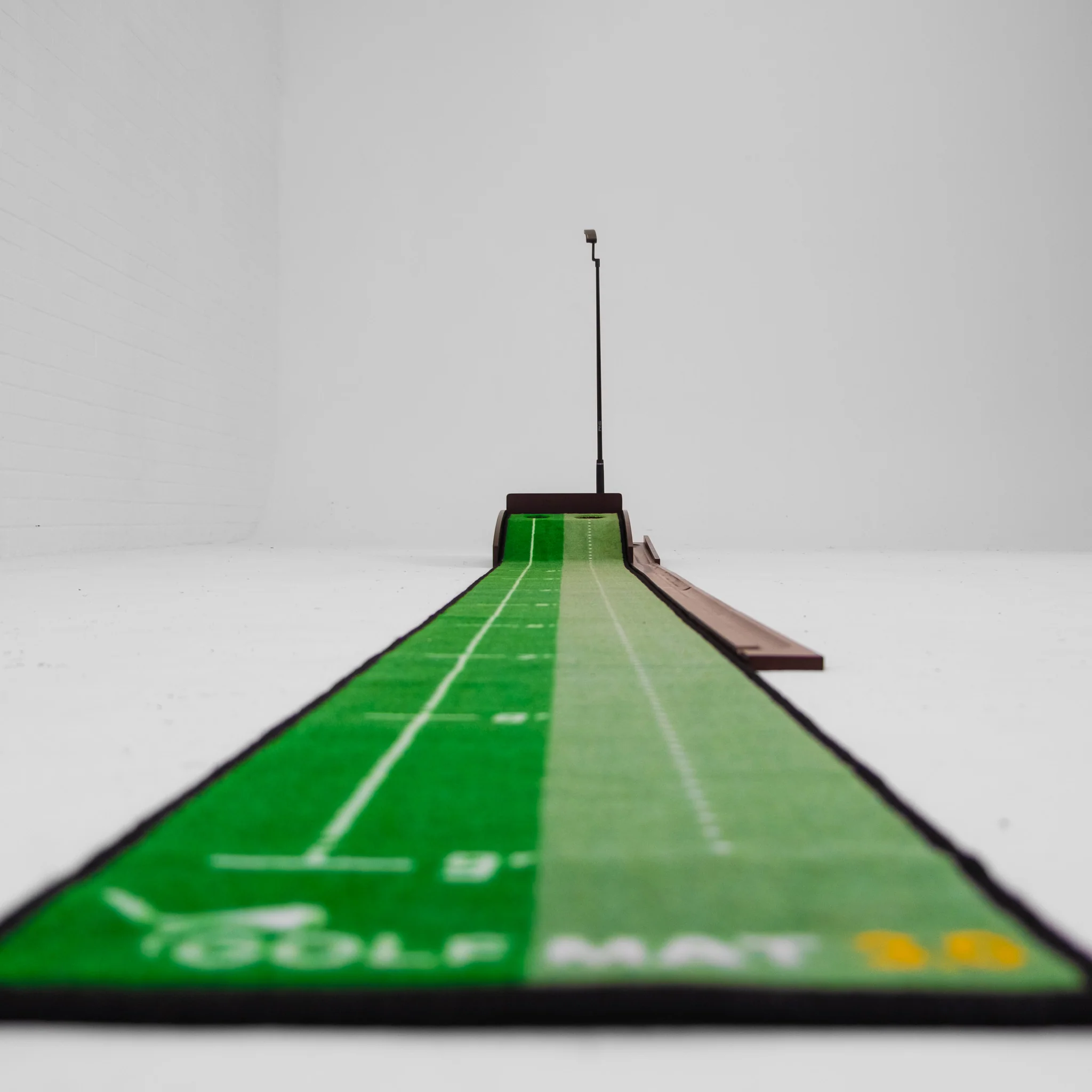
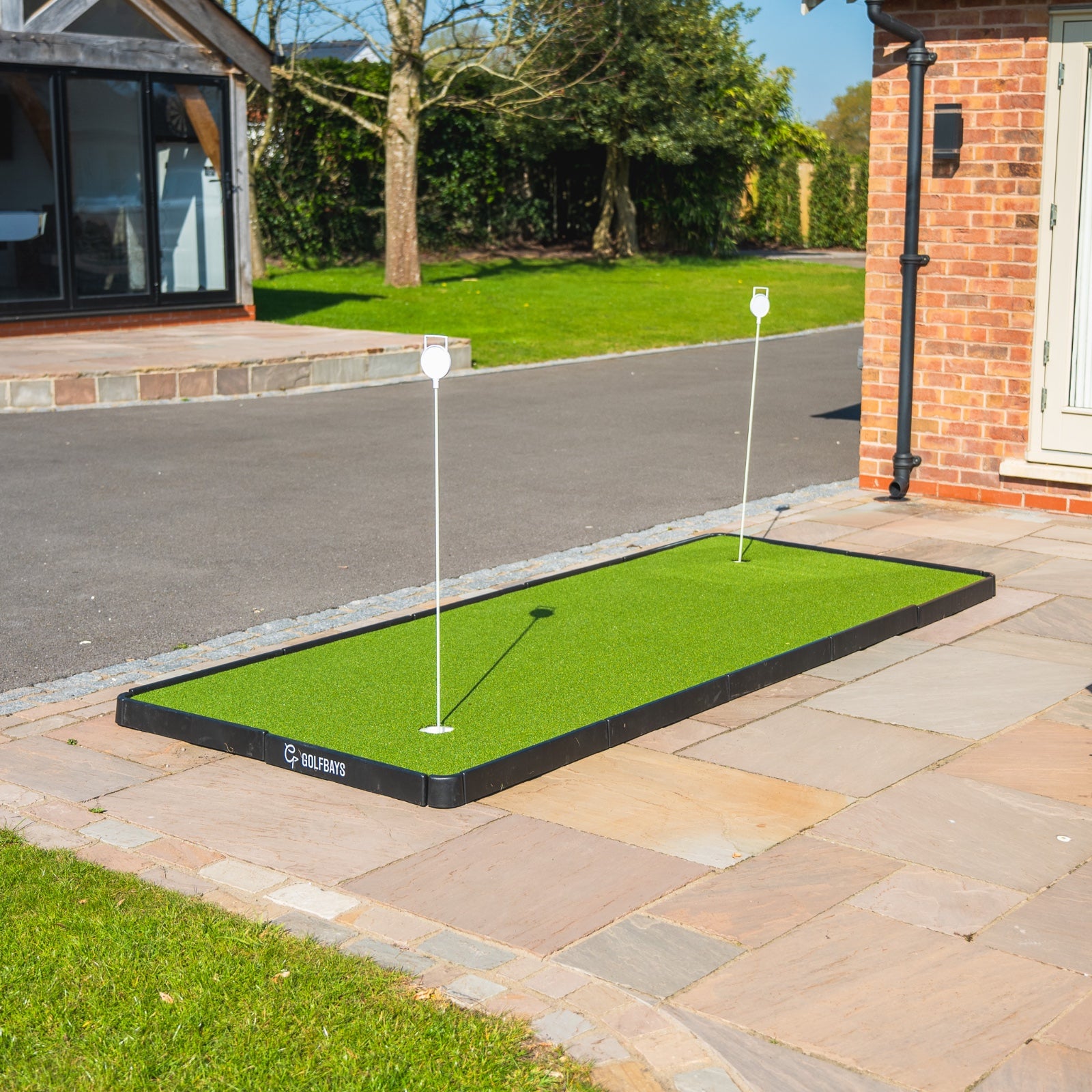
Wil je meer putts maken? Wie niet! Een golf putting mat is een van de gemakkelijkste manieren om je slag te verbeteren zonder een voet op de baan te zetten. Van uitrolmatten voor de gang tot premium grasmatten voor simulatorhokken, onze putting mats bieden een echte rol, realistische snelheid en de kans om vertrouwen op te bouwen van korte tot middellange afstanden. Deze gids leidt je door waar je op moet letten, de verschillende beschikbare types en onze beste aanbevelingen om je te helpen de perfecte putting mat te vinden voor jouw ruimte en spel. Oefening baart kunst: waarom een putting mat kopen? Vraag elke golfer waar de meeste slagen verloren gaan en ze zullen je (vaak met een diepe zucht) vertellen dat het op de greens is. Drie-putts, onnodige double-bogeys, gemiste korte putts of slechte snelheidscontrole kunnen een ronde sneller verpesten dan een wilde drive. Daarom is het toevoegen van een golf putting mat aan je thuis- of simulatoropstelling een van de eenvoudigste manieren om slagen van je spel af te halen. Een goede indoor putting mat geeft je een echte rol-oppervlakte die klaar is wanneer jij dat bent. Geen geduld meer voor goed weer of een rustige oefengreen. Je kunt startlijn-oefeningen doen in de gang, je afstandscontrole aanscherpen op kantoor, of een speciale oefenplek creëren in je golfsimulatorhok. Met opties variërend van compacte uitrolmatten tot op maat gesneden putting turf en modulaire binnen/buiten greens is er een mat voor elke ruimte en oefenstijl. Het mooie van het kopen van een putting mat is consistentie. Elke rol is hetzelfde, waardoor je je kunt concentreren op techniek, vertrouwen en gevoel. Na verloop van tijd bouw je spierherinnering op voor soepelere slagen, betere snelheid en meer gemaakte putts wanneer het echt telt - op de baan. Wanneer je investeert in (en oefentijd besteedt aan...) een putting mat, bouw je vertrouwen op dat voortkomt uit het weten dat je honderden 6-voeters hebt gemaakt tijdens het oefenen. Het haalt de druk weg tijdens echte rondes. Hoe vertrouwder een putt voelt, hoe minder snel je gespannen raakt en een fout maakt.   Een korte blik op de aanbevolen putting mats & turf van GolfBays Op zoek naar een putting mat of turf om thuis je drukputts te oefenen? Bekijk de onderstaande opties... Product Korte overzicht GolfBays Premium Black Putting Turf Korte, echte rol zwarte turf met 13 mm poolhoogte, op maat gesneden voor strakke, naadloze simhokken en thuisoefening. GolfBays Premium Roll-Out Return Putting Mat 9 ft 6 in uitrolmat met automatische balterugkeer, twee holegroottes, uitlijningssporen en 2/4/6/8-ft markeringen op een snel Stimp 10–14 oppervlak. GolfBays Modular Golf Putting Green (4 maten) Klik-samen binnen/buiten green met voorgesneden turf, reglementaire cups en contourpads, rolt ongeveer Stimp 10 in vier maatopties. GolfBays Artificial Turf Two-Hole 150 × 350 cm Putting Green Klaar gemaakte 1,5 m × 3,5 m green met twee holes voor snelle opstelling, herhaalbare slagen en korte afstand make-rate training. GolfBays Putting Turf 11 mm pool, op maat gesneden turf geprijsd per m² - ideaal voor dagelijkse echte rol banen en simhok integratie. GolfBays Premium Putting Turf 16 mm pool, dichtere op maat gesneden turf die een premium, realistische rol levert voor toegewijde putting zones. PuttOUT AirBreak Putting Mat Break-trainingsmat met verstelbare contouren, batterij-aangedreven balterugkeer, Green Reading app ondersteuning en een rubberen onderlaag ~Stimp 10. Stimp Snelheid, uitgelegd Als je golfers ooit hebt horen praten over “Stimp,” verwijzen ze naar de snelheid van de greens. Dit is in feite hoe snel de bal rolt nadat hij is geraakt. De term komt van de Stimpmeter, een eenvoudig apparaat uitgevonden in de jaren 30 dat meet hoe ver een bal rolt op een vlak oppervlak. Hoe verder hij rolt, hoe hoger de Stimp-waarde. Een Stimp van 8–9 voelt als een trage, zware green. Een Stimp van 10–11 komt dichter bij wat je op de meeste goed onderhouden clubs vindt. Stimp 12–14 is het bliksemsnelle tempo dat je ziet in de zomermaanden en op professionele tours. Als het gaat om putting mats, is Stimp-snelheid belangrijk omdat het je laat oefenen volgens de omstandigheden waarvoor je wilt voorbereiden. Een snellere mat helpt je delicate snelheidscontrole te oefenen voor toernooistijl greens. Een tragere mat kan beter zijn om te werken aan solide slagen en het elimineren van vertraging. Hoe dan ook, het kennen van de Stimp-waarde helpt je een mat te kiezen die realistisch aanvoelt en je oefening zinvol houdt. Hoe kies je een putting mat: 4 vragen om je te helpen beslissen Er is een grote wereld aan potentiële putting mats en oefenturf. Om je te helpen de opties te beperken, doorloop je de onderstaande vragen... Hoeveel ruimte heb je / wil je vullen? Putting oefenmatten zijn er in alle vormen en maten, van gangen tot setups die een extra kamer domineren tot simulatorhok accessoires. Ben je tevreden met een smalle baan voor repetitief putten, of wil je iets groters met meer flexibiliteit en mogelijkheden om te variëren? Welke rol/snelheid wil je (Stimp)? De meeste thuismatten rollen rond Stimp 9–11, met enkele snellere oppervlakken tot Stimp 14 om snelle zomergreens na te bootsen. Overweeg de snelheid en stijl die je wilt oefenen voordat je je putting mat kiest. Vaste plek of draagbaar? Misschien wil je een aangewezen putting oefenplek voor je golfsimulator. Misschien wil je een op maat gesneden turf die in een specifieke plek in je mancave of coachruimte past. Beide opties zijn permanenter dan kiezen voor een uitrolmat of modulaire greens - die beide kunnen worden opgeborgen en gemonteerd wanneer nodig. Wil je functies (balterugkeer, breaks, meerdere holes)? Hier beginnen putting mats zich te onderscheiden. Als je gericht bent op veel herhalingen, is een eenvoudige baan of een mat met balterugkeer logisch. Wil je je green-reading aanscherpen, zoek dan naar contourpads of matten waarmee je brekende putts kunt oefenen. En wil je de druk opvoeren, kies dan voor matten met verschillende holegroottes - reglementair voor realisme en kleinere cups voor precisie onder druk. Uiteindelijk is de juiste putting mat degene die past bij je ruimte, je doelen en de manier waarop je graag oefent. Als je weet dat je hem dagelijks gebruikt, investeer dan in een turf van hogere kwaliteit of een mat met veel functies die de oefening boeiend houdt. Als je alleen een snel hulpmiddel wilt om een paar putts te rollen tussen Zoom-gesprekken door, zijn draagbaarheid en eenvoud waarschijnlijk slimmer. GolfBays' aanbevolen putting mats & turf Op zoek naar een putting mat of turf om thuis je drukputts te oefenen? Bekijk de onderstaande opties... GolfBays Premium Black Putting Turf Als je op zoek bent naar een indoor putting ervaring met een authentiek gevoel, levert onze Premium Black putting Turf dat. Ja, het is zwart in plaats van groen. Maar als je gaat putten op een golfsimulator of thuis oefent, waarom dan niet iets opvallends? Deze korte, echte rol putting turf heeft een strakke zwarte afwerking voor een cleane studio-look. Het heeft een poolhoogte van 13 mm en is 4 m breed, verkocht op maat gesneden, zodat je de exacte afmeting voor je simhok of oefenbaan kunt bepalen zonder rommelige naden. Deze turf is een eenvoudige manier om een snel, consistent oppervlak toe te voegen dat er goed uitziet en lang meegaat. Geweldig voor… Donkere simkamers en strakke studio-esthetiek. Aangepaste lengtes (kies je lengte) zonder naden. Jaarlijkse indoor snelheid en startlijn-oefeningen. Bekijk onze Premium Black Putting Turf > GolfBays Premium Roll-Out Return Putting Mat Als je een soepele en eenvoudige manier wilt om thuis te oefenen met putten, moet de GolfBays Premium Roll-Out Return Putting Mat bovenaan je lijst staan. Dit is een 9ft6 uitrolmat met automatische balterugkeer, twee holegroottes (reglementair + kleiner), uitlijningssporen en 2/4/6/8-ft afstandsmarkeringen. Er is een subtiel oplopend gedeelte voor het tempo aan het einde van de slag en een snel oppervlak (Stimp 10–14), zodat je je gevoel kunt aanscherpen zonder naar de golfbaan te hoeven. Geweldig voor… Snelle, hoogwaardige putting herhalingen tussen vergaderingen door. Snelheidscontrole en startlijn-oefeningen in krappe ruimtes. Cadeau-waardige, alles-in-één thuis putting oplossing. Bestel je Roll-Out Return Putting Mat > GolfBays Modular Golf Putting Green Onze modulaire putting green is een draagbare, klik-samen oplossing die je in enkele minuten kunt opbouwen en binnen of buiten kunt gebruiken. Hij wordt geleverd met voorgesneden turf, reglementaire cups en contourpads, en rolt ongeveer Stimp 10 om je te helpen realistische snelheidscontrole te oefenen. Kies uit vier maten, stel een lichte break in en krijg goede oefenherhalingen zonder de woonkamer te verpesten. Geweldig voor… Huurders of gezinnen (snelle montage, makkelijk op te bergen). Snelheidscontrole en startlijn-oefeningen met lichte breaks. Oefenen in de tuin, garage of spare room. Bestel een Modular Green > GolfBays Artificial Turf Two-Hole Putting Green Onze twee-hole putting green biedt een realistisch gevoel op een klein, toegewijd oppervlak dat snel op te zetten is voor herhaalbare slagen, startlijnherhalingen en het maken van putts van die zenuwslopende laatste paar voeten. Geweldig voor… Een vaste oefenbaan in een spare room of kantoor. Korte afstand make-rate training met twee doelen. Spelers die een eenvoudige opstelling en een consistente rol willen. Bestel je Two-Hole Putting Green > GolfBays Putting Turf Ons meest toegankelijke op maat gesneden oppervlak heeft een 11mm poolhoogte. Deze putting turf is verkrijgbaar in verschillende maten en geprijsd per vierkante meter, zodat je precies de oefengreen kunt bouwen die je nodig hebt. We hebben deze turf ontwikkeld om een geweldige dagelijkse rol te bieden voor startlijnpoorten, afstandsladders en om een puttingstrook naast een hitting mat in een simhok te integreren. Geweldig voor… Budgetvriendelijke maatwerkinstallaties. Lange, rechte oefenbanen in sims of gangen. Consistente indoor rol voor dagelijkse herhalingen. Bestel hier > GolfBays Premium Putting Turf Voor een serieus realistisch gevoel op je eigen oefengreen komt onze premium putting turf met een pool van 16 mm in verschillende lengtes en breedtes. De dichtere constructie geeft een meer premium, echte rol onder de voeten, ideaal voor toegewijde putting zones of wanneer je een hoogwaardige afwerking wilt die past bij de rest van je simkamer. Geweldig voor… Premium sim-bouw en coachingsstudio's. Spelers die een iets zachter, echter gevoel willen. Installaties op maat zonder zichtbare naden. Bestel je Premium Putting Turf > PuttOUT AirBreak Putting Mat De PuttOUT AirBreak is een putting mat met een slim break-trainingssysteem. Je kunt realistische brekende putts thuis oefenen door de flexibele basis te verhogen of te verlagen, waarbij elke gemaakte putt wordt teruggegeven door een batterij-aangedreven balterugkeer. Je kunt honderden verschillende aangepaste break-combinaties oefenen en de bijbehorende Green Reading app gebruiken om je opstelling en oefening te ondersteunen. De 4,25" cup heeft realistische lip-ins/outs, en de rubberen onderlaag rolt rond Stimp 10. Geweldig voor… Het opbouwen van green-reading vaardigheden met gecontroleerde breaks. Compacte thuisopstellingen die automatische terugkeer en nette opslag nodig hebben. Serieuze putters die gestructureerde sessies en data waarderen. Bestel de AirBreak Putting Mat > Veelgestelde vragen over golf putting mats V: Zijn putting mats de moeite waard voor golfers?Absoluut. Een golf putting mat geeft je een echte rol-oppervlakte thuis, waardoor je startlijn, snelheidscontrole en korte putts kunt oefenen wanneer je maar wilt. De mogelijkheid om dagelijks drills te herhalen—zonder afhankelijk te zijn van het weer of naar de baan te rijden—maakt putting mats een van de snelste manieren om je scores te verlagen. V: Wat is de beste putting mat voor kleine ruimtes?Als je alleen een gang, kantoor of woonkamer hebt, is een uitrol putting mat met balterugkeer perfect. Ze zijn compact, snel op te zetten en laten je kwalitatieve herhalingen doen in krappe ruimtes. Opties zoals de GolfBays Premium Roll-Out Return Mat zijn ontworpen voor frequente, korte oefensessies. V: Hoe realistisch zijn indoor putting mats vergeleken met een golfgreen?Hoogwaardige matten bootsen de Stimp-snelheid van echte greens na—de meeste rollen rond Stimp 9–11, met premium modellen die Stimp 13–14 bereiken om snelle zomergreens te imiteren. Modulaire putting greens en premium turfopties bieden ook contourpads of meerdere cups voor een levensechtere oefenervaring. V: Wat is het verschil tussen putting turf en een uitrolmat? Uitrolmatten zijn draagbaar, makkelijk op te bergen en hebben vaak uitlijningssporen of automatische terugkeer. Deze zijn ideaal voor casual oefening. Op maat gesneden putting turf is permanenter en geeft je een naadloos, studio-kwaliteit oppervlak dat integreert in een simulatorhok of mancave. Modulaire greens combineren realisme met flexibiliteit, waardoor je een groter oefengebied kunt bouwen met breaks en meerdere holes. V: Hoe kies ik de juiste putting mat voor mijn spel?Begin met je ruimte (gang versus spare room versus simhok), bepaal dan of je draagbaarheid of een meer permanente opstelling wilt. Denk na over de Stimp-snelheid waarop je wilt oefenen en of je baat hebt bij functies zoals balterugkeer, break-training of kleinere holes voor extra uitdaging. V: Kan een putting mat me echt helpen meer putts te maken op de baan?Ja—omdat oefening spierherinnering opbouwt. Wanneer je honderden 6-voeters hebt gemaakt op je putting mat, voelt dezelfde putt op de baan vertrouwd in plaats van drukvol. Consistentie in rol en slag bouwt vertrouwen op, wat de grootste factor is om meer putts te maken wanneer het telt.
The Best Golf Swing Training Aids in 2025: What Works?

September 26, 2025

By Malek Murison

The Best Golf Swing Training Aids in 2025: Wat Werkt?

Als je je golfswing wilt verbeteren, heb je trainingshulpmiddelen nodig die duidelijke feedback geven en gebruikt kunnen worden voor herhaalbare oefeningen - geen plastic nieuwigheden die stof verzamelen terwijl je spel stagneert. In deze gids bespreken we de beste golftrainingshulpmiddelen, waaronder swingtrainers, golfgriptrainers, putting oefentools en algemene golfpraktijkuitrusting. Alles hieronder wordt aanbevolen door ons team om je golfswing naar een hoger niveau te tillen. Laten we beginnen. Korte samenvattingstabel: Golf Swing Trainingshulpmiddelen Oefenhulpmiddel Doel Link Visio T-Line Trainingshulpmiddel Verscherpt je waarneming van rechte lijnen, face alignment en startlijn. Bekijk product Power Shift Board Traint de juiste timing van gewichtsverplaatsing met hoorbare feedback. Bekijk product Golf Swing Speed Radar Dopplerradar geeft direct clubhoofd-snelheidsmetingen - geen bal nodig. Bekijk product Visio Putting Mirror (Staal) Controleert ooglijn, schouderlijn en putterface. Bekijk product Visio Putting Laser & Statief Projecteert een zichtbare richtlijn binnen of buiten voor putt calibratie. Bekijk product The Swing Plate Verandert alignment sticks in een swinglab voor plane, path en rotatie-oefeningen. Bekijk product The Swing Plate Dual Pro Twee houders voor geavanceerde plane- en pathcorridors, meer stabiliteit. Bekijk product SwingPlate Putting Gate Verstelbare poorten (50mm/55mm) voor startlijn- en rolltraining. Bekijk product The Divot Board Geclaimd bord verandert van kleur om slagpunt, laagste punt en swingpad te tonen. Bekijk product Grip It Rite Training Grip Leidt je vingers automatisch naar een neutrale, veilige, tour-geteste grippositie. Bekijk product Hoe kies je het juiste golftrainingshulpmiddel Het kiezen van trainingsmateriaal gaat niet om het kopen van het meest opvallende gadget. Hoewel dat natuurlijk ook leuk is. Het gaat om het vinden van tools die je feedback geven die je niet kunt negeren en gewoonten die echt blijven hangen. Een goede swingtrainer moet meer doen dan je bezig houden en je een productief gevoel geven over je spel. Het moet je laten zien waarom een slag misging en je helpen het herstel te voelen. Als uitgangspunt, zoek altijd naar trainingshulpmiddelen die: Directe en gemakkelijk te begrijpen feedback geven. Als je moet raden wat er gebeurde, doet het hulpmiddel zijn werk niet! Herhaalbare basisprincipes opbouwen. Van grip tot houding tot contact, het juiste hulpmiddel vormt gewoonten waarop je onder druk kunt vertrouwen. Spiergeheugen ontwikkelen is alles. Veilige, efficiënte herhalingen aanmoedigen. Je moet binnen, op de driving range of in de tuin kunnen oefenen zonder risico op schade aan je lichaam (of je meubels). Zoek naar hulpmiddelen die je veilig kunt gebruiken voor oefeningen, dag na dag. Overdracht naar de baan. Trainingshulpmiddelen moeten de kloof tussen oefening en prestatie verkleinen, niet nieuwe krukken creëren. Je zoekt naar technische aanpassingen die je kunt meenemen en gebruiken wanneer het echt telt. Golf swingtrainers en andere oefenhulpmiddelen zijn een beetje als de fundering van een piramide. Je begint met feedback en beheerst de basis (grip, slag, startlijn), daarna voeg je hulpmiddelen toe die helpen de balvlucht te sturen en de kleinere details te verfijnen. De juiste mix betekent minder verspilde swings, meer ‘aha’-momenten en echte vooruitgang die zichtbaar is waar het telt - op de scorekaart! GolfBays beveelt deze golf swingtrainers aan Hier zijn enkele van onze favoriete golf swingtrainers om je te helpen je slagen van tee tot green te beheersen. Visio T-Line Trainingshulpmiddel De Visio T-Line is een deceptief eenvoudig puttinghulpmiddel dat drie dingen briljant doet: het verscherpt je waarneming van wat “doodrecht” echt betekent, het verbetert je face alignment en het test of je de bal daadwerkelijk op je bedoelde lijn kunt starten. Leg het neer, sla je slagen en je krijgt directe, eerlijke feedback over waar je ogen en putterface naar wijzen versus waar je denkt dat ze naar wijzen. Het is een eenvoudig waarheidsmoment dat je kan helpen aanpassen en slagen besparen, zonder een launch monitor (of een PhD). Het is handig van formaat om in je oefentas te bewaren en geeft je een lange lineaire doelijn met loodrechte face-hoek referenties, zodat je richten en startlijn kunt trainen op putts van elke lengte. Waarom het een geweldig trainingshulpmiddel is Traint ware “rechte” waarneming Face-hoek en startlijn feedback binnen enkele seconden Compact en robuust, tasvriendelijk voor range of thuisopstelling Gemaakt door Visio en gebruikt door coaches op tourniveau Power Shift BoardEen perfecte swing draait om gewichtsverdeling. Het Power Shift Board leert je druk op het juiste moment te laden en lossen met een duidelijke, hoorbare klik die je metronoom wordt voor een betere swingvolgorde. Met oefening leer je de timing van het laden en lossen van druk van het ene been naar het andere, waardoor je meer kracht krijgt door betere timing zodat je meer als een pro gaat swingen en minder als een recreant. Het Power Shift Board is licht, draagbaar en klaar voor gebruik voor garage-oefeningen, rangesessies en voorrondes. Pinnen aan de onderkant houden het op zijn plaats en de klik geeft directe feedback waar je niet omheen kunt. Snellere, efficiëntere swings beginnen bij de basis. Waarom het een geweldig trainingshulpmiddel is Hoorbare “klik” bepaalt de timing van je drukverschuiving.Traint sequencing voor snelheid en nauwkeurigheid. Werkt op de meeste ondergronden en is gebouwd voor frequent oefenen. Geweldig voor full swing en korte spel variaties. Golf Swing Speed RadarWil je snelheidsstatistieken zonder giswerk? Deze Golf Swing Speed Radar is een compact Dopplersysteem dat je clubhoofd-snelheid direct meet, zonder stickers of clubbevestigingen. Je hoeft niet eens een bal te slaan. Zet hem neer, swing, check het apparaat en volg je vooruitgang slag na slag. Het is een eenvoudige, betrouwbare manier om snelheidstraining leuk te maken en te meten wat telt - of om je perfecte swingritme af te stemmen en de balans tussen snelheid en consistentie te vinden. Coaches waarderen dit apparaat omdat het directe feedback geeft. Spelers houden ervan omdat het hen eerlijk houdt en het volgen van vooruitgang van een belangrijke maat vereenvoudigt! Waarom het een geweldig trainingshulpmiddel is Echte Doppler-metingen - geen clubtags of ballen nodig. Directe snelheidsfeedback om trainingsbelasting te sturen. Draagbaar, LCD-display, mph/km/h schakelaar. Bewezen door instructeurs en gebruikt in verschillende sporten. Visio Putting Mirror (Stalen editie)Als je op zoek bent naar een putting trainingshulpmiddel, geeft de Stalen Visio Putting Mirror een helder, vervormingsvrij beeld van schouderuitlijning, oogpositie en putterface bij address. Het laat ook zien hoe die veranderen tijdens de slag. Sleuven maken het mogelijk eenvoudige poortoepassingen te bouwen voor slag en pad, en uitlijningsgrafieken houden de setup herhaalbaar. Het gewicht en de stalen constructie zorgen voor stabiliteit en duurzaamheid, ideaal voor de oefengreen, de studio of de logeerkamer. Als je een consistente roll wilt, begin dan met een consistente setup. Deze spiegel verandert “Ik voel me recht” in “Ik ben recht.” Waarom het een geweldig trainingshulpmiddel is Controleert ooglijn, schouderlijn en face-hoek in één oogopslag. Ingebouwde tee-sleuven voor slag- en padpoorten. Stalen constructie = stabiel, duurzaam, premium gevoel. Ontworpen door Visio voor tour-geteste basisprincipes. Visio Putting Laser & StatiefRichten is alles, en dit laser putting hulpmiddel maakt het zichtbaarder dan ooit. De Visio Laser projecteert een precieze lijn om te laten zien waar je daadwerkelijk op richt, bij rechte of gebogen putts. Je kunt het statief met de bumperpoot gebruiken om binnen te reflecteren op een achterwand, of de poot verwijderen en de richtlijn direct op de green buiten volgen - de straal is krachtig genoeg zodat je geen doelbord nodig hebt. Dit hulpmiddel is geweldig om je ogen te kalibreren, en zelfs voor coaches die analysesystemen uitlijnen. Waarom het een geweldig trainingshulpmiddel is Traint ware richtlijn bij rechte en gebogen putts. Binnen reflectormodus of buiten “volg de lijn” modus. Oplaadbaar, statiefgemonteerd, continu aan/uit. Vertrouwd Visio ontwerp voor visuele kalibratie. The Swing Plate De Swing Plate neemt eenvoudige alignment sticks en verandert ze in een precisie swinglab. Pas de stokhoek met de hand aan en je kunt in no time oefeningen bouwen voor takeaway, plane, path, rotatie en zelfs hoofdbeweging (met een verlengstok). Het is compact, in het VK gemaakt en wordt gebruikt door topcoaches omdat het geschikt is voor sim-bays, matten, de range of in de tuin. \Met dit hulpmiddel kun je snel spiergeheugen opbouwen voor de juiste swinggeometrie. Waarom het een geweldig trainingshulpmiddel is Volledig met de hand verstelbaar; geschikt voor RH/LH; elke ondergrond. Tientallen oefeningen voor plane, path, rotatie en meer. Draagbaar, coach-vertrouwd, geproduceerd in het VK. Toegang tot videobibliotheek inbegrepen om oefenresultaten te versnellen. The Swing Plate Dual ProDe Swing Plate Dual Pro neemt het originele idee en voegt een tweede beweegbare houder toe, zodat je parallelle “rails” of gemengde hoekcorridors kunt bouwen en kunt werken aan geavanceerdere plane- en pathtraining. Het is een zwaardere, robuustere basis die door veel coaches wordt geprefereerd, ideaal op hellingen of met verlengstokken, en maakt een grote verscheidenheid aan full-swing, chip- en zelfs putting-oefeningen mogelijk. Waarom het een geweldig trainingshulpmiddel is Twee verstelbare stokhouders = directe plane/path corridors. Zwaardere, stabielere basis die uitstekend is voor coaching of hellingen. Werkt met alignment sticks en verlengstokken. Alle toepassingen van de standaard Swing Plate, plus meer opstellingen. SwingPlate Putting GateVoeg laserrechte startlijntraining toe aan je Swing Plate met de SwingPlate Putting Gate . Dit hulpmiddel laat je precieze “poort” breedtes instellen (met gatbreedte-indicatoren) om een zuiverdere roll te trainen. Het is universeel met alignment sticks, eenvoudig op te zetten en wordt geleverd met toegang tot de online coachingbibliotheek van SwingPlate voor oefenideeën. Twee poortmaten (50mm/55mm) dagen je slagkwaliteit uit - mis je de poort, dan weet je dat je face of path niet goed was. Het is compact, tasvriendelijk en een logische aanvulling als je al van je Swing Plate houdt. Waarom het een geweldig trainingshulpmiddel is Stel startlijn nauwkeurig in met verstelbare poortbreedtes. Gatbreedte-indicatoren voor realistisch richten. Past op elke Swing Plate basis; werkt op elke ondergrond. Inclusief toegang tot oefeningen in de online coachingbibliotheek. The Divot BoardDe Divot Board is een inmiddels beroemde golf swing aid die directe feedback geeft over je grondcontact, laagste punt, pad en slaglocatie. Het beste is dat je het overal kunt gebruiken waar je een club kunt zwaaien. Het impactoppervlak verandert van kleur op het slagpunt zodat je kunt zien waar de club contact maakte ten opzichte van het balbeeld. Pas gewoon aan totdat je patroon consequent bal-dan-gras is met een gecentreerde slag. Het is eenvoudig, verslavend en meedogenloos eerlijk. Laag profiel, draagbaar en gebouwd om op matten, tapijt of gras te blijven liggen dankzij kleine nopjes aan de onderkant, het bord heeft gepatenteerde technologie waar coaches enthousiast over zijn. Deze golf swing aid haalt het giswerk uit je oefening en versnelt je verbetering. Waarom het een geweldig trainingshulpmiddel is Toont laagste punt en slagpatroon direct. Traint bal-dan-gras contact voor scherpe ijzerslagen. Werkt binnen/buiten; laag profiel, antislip basis. Bewezen, gepatenteerd ontwerp gebruikt door coaches. Grip It Rite Training GripJe grip is de enige verbinding die je hebt met de club, dus als die niet goed is, wordt alles moeilijker. De Grip It Rite Training Grip maakt correcte handplaatsing automatisch. Schuif hem op je club en de gevormde contouren leiden je vingers en duimen elke keer naar de neutrale, tour-geteste positie. Geen giswerk, geen sluipende slechte gewoonten - gewoon een herhaalbare, voorbeeldige grip op de club. Hoe meer je ermee oefent, hoe sneller een juiste grip tweede natuur wordt. Waarom het een geweldig trainingshulpmiddel is Leert direct correcte handplaatsing en druk. Voorkomt gripfouten en de blessures die daaruit voortkomen! Bouwt herhaalbaar spiergeheugen voor betere controle en consistentie. Past gemakkelijk op de meeste clubs voor oefenen waar dan ook. Lichtgewicht en duurzaam - ideaal voor langdurige training. Veelgestelde vragen over golf swingtrainingV: Wat maakt een goed golftrainingshulpmiddel?Een goede trainer moet je feedback geven die je niet kunt negeren en je helpen het herstel te voelen . Zoek iets dat directe feedback geeft, herhaalbare basisprincipes opbouwt en naadloos overdraagbaar is naar de baan. Ons volledige assortimentgolftrainingshulpmiddelen is met deze kwaliteiten ontworpen.V: Hoe kan ik mijn swingplane thuis verbeteren? Alignment sticks zijn het meest veelzijdige hulpmiddel in golf, vooral in combinatie metThe Swing Plate . Het houdt je sticks in verstelbare hoeken, zodat je takeaways, shallowing moves of startlijnen kunt trainen zonder turf om de sticks in te drukken. Voor geavanceerdere oefeningen voegt deSwing Plate Dual Pro een tweede houder toe voor directe “rails.”V: Wat is de beste manier om inconsistente balcontacten te verbeteren? Je hebt misschien feedback nodig over waar de club de grond raakt. DeDivot Board toont slaglocatie, pad en laagste punt met meedogenloze eerlijkheid - geen excuses, alleen duidelijke feedback waar je van slag tot slag op kunt aanpassen.V: Heb ik echt een griptrainer nodig? Absoluut. Je grip is de enige verbinding met de club. Als die verkeerd is, wordt alles moeilijker. DeGrip It Rite Training Grip maakt correcte handplaatsing automatisch, zodat je een neutrale, technisch correcte handplaatsing inslijpt zonder erover na te denken.V: Hoe kan ik werken aan gewichtsverplaatsing en kracht? De timing van je drukverschuiving is cruciaal. HetPower Shift Board leert je gronddruk op het juiste moment te laden en lossen met een hoorbare “klik.” Het is directe sequencing feedback, essentieel om snelheid toe te voegen zonder controle te verliezen.V: Wat is een eenvoudige manier om swingsnelheid te meten? DeGolf Swing Speed Radar is compact, nauwkeurig en vereist geen speciale bevestigingen. Zet hem neer, swing en krijg directe feedback over clubhoofd-snelheid. Gebruik het om vooruitgang te volgen of om snelheidssessies leuk te maken.V: Zijn putting trainingshulpmiddelen de moeite waard? 100%. Veel belangrijke slagen gebeuren op de green, en kleine verbeteringen daar besparen slagen. Hulpmiddelen zoals deVisio Putting Mirror (controleert uitlijning en slag) en deSwingPlate Putting Gate (oefent startlijn) helpen je een consistente roll te bouwen. Voor richtingskalibratie maakt deVisio Putting Laser het onmogelijk om verkeerd te richten te negeren.V: Hoe weet ik met welke trainer ik moet beginnen? Zie het als het bouwen van een piramide. Begin met de basis - grip, slag en startlijn. Voeg dan hulpmiddelen toe voor sequencing, snelheid en balvluchtcontrole. Bekijk onze volledige collectiegolf swingtrainers
GolfBays

Solid net strong enough for practicing driver and every other club in the bag. Return slope very handy saving you having to collect balls, they roll straight back to your feet.Recommend also buying some heavy duty ground anchors or pegs to secure it if used in garden.

Liam

I already had a large gym in my house, however, I wanted to start practicing my golf at home as well as getting fitter. I didn't want a built in option so the simbox enclosure was the perfect solution. It allowed me to place it wherever I wanted in my room which was a bonus as I couldn't have it against a wall. The quality of the simbox is second to none, I went for the Close Knit Baffle screen as I wanted the most durable screen for the amount of practice I do, it is also super quiet which is a bonus. I can't thanks the team at Golfbays enough, all of the guys are super knowledgeable, you can tell they all have golfing backgrounds. I would definitely recommend.

H.P.

Fantastic quality, easy to install and fast delivery. Could not ask for much more. We also purchased a projector and protective enclosure that are brilliant. Creates a very professional looking set up.

Luke M.

Weather is no longer a problem for me, I can be in my garage and on the 7th at Augusta at the same time!

B Edwards

The box was delivered very quickly including customs clearance, perfect.The SimBox exceeded my expectations, black ball protection very noise-insulating, Impact Screen Pro+ very good for Full HD.Thanks to the video tutorial, it can also be set up alone, but much more relaxed with two people.Simply perfect, highly recommended, thanks to the 6 sizes there is always a place at home, as long as the room height fits.Very convincing qualityIn short: brilliant for the home simulator

Markus K.

Great quality, easy to assemble was hitting balls within hours of delivery which was within 48hrs. Require a few more items to complete the perfect room. Will use again.

Mark W

Nice and easy to get set up. A few minor issues with software but easily sorted with a quick call to the team at golfbays. I recommend TGC2019 for game play. Not tried Skytraks own courses but I believe they are good.

Peter H

Happy with the quality of the turf and would highly recommend to others.

Scott W

This is an exceptional machine with fast delivery and outstanding customer service from Golf Bays. It’s my second purchase from Golf Bays, they deliver top marks all the time and I would highly recommend!

Jonathan

Just Installed this new Pro+ screen at my commercial golf simulator. The difference between the old one and this new one is astounding. Not only is it much quieter but the image projection is so much more clearer. It is installed quite tightly using the Bungee balls but there is no significant bounce back.I unequivocally recommend the Pro + impact screen.

Adam S.

The golf team enjoys practicing with the Puttout training mat. More practice means better putting on the course. The quality of the product is excellent.

Boliver

SHOP OUR BEST-SELLERS